
Exemplos
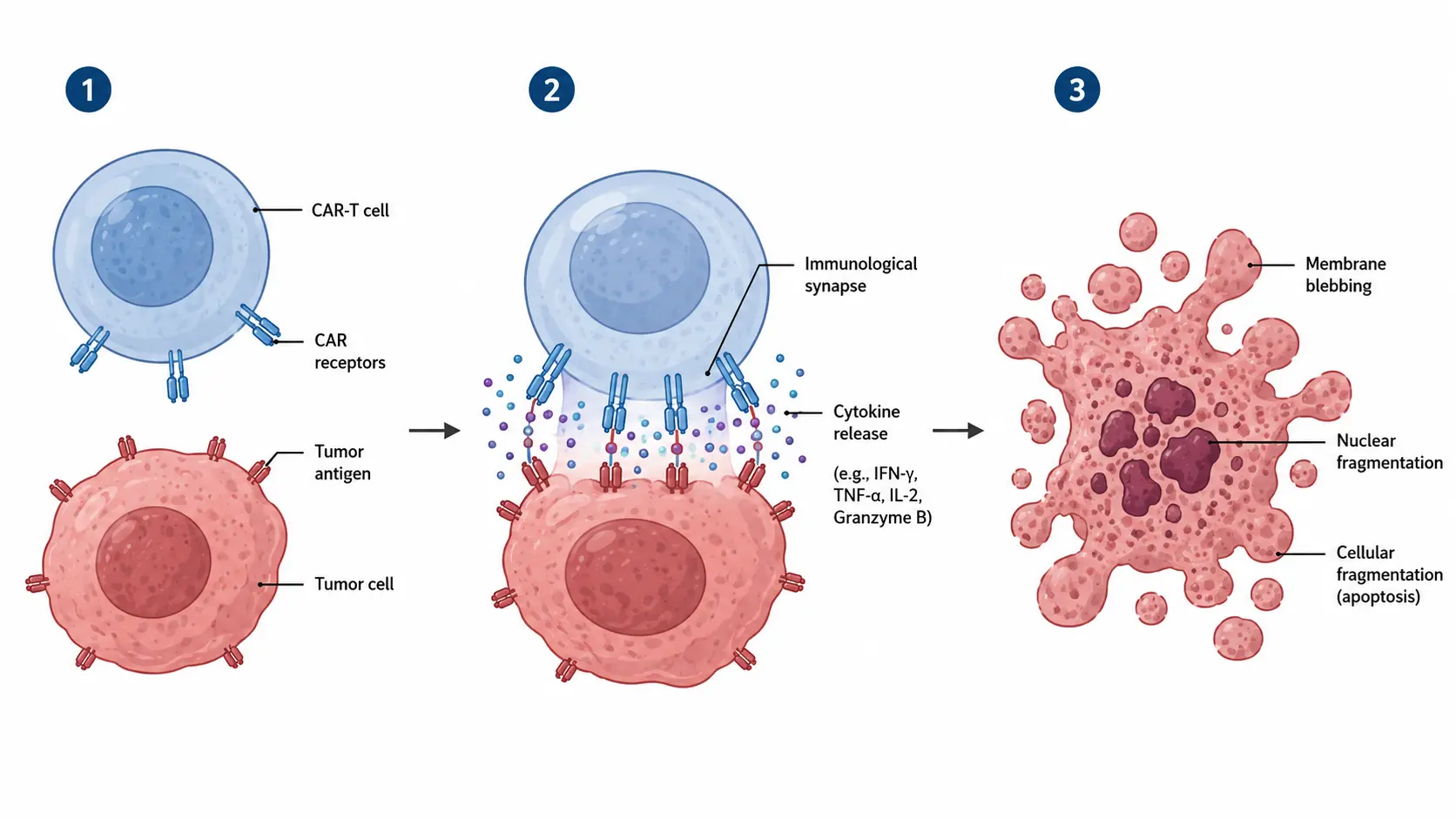
Crie ilustrações científicas prontas para publicação
Comece com texto, esboços ou imagens de referência e aprimore o resultado até obter um visual científico ou acadêmico claro.
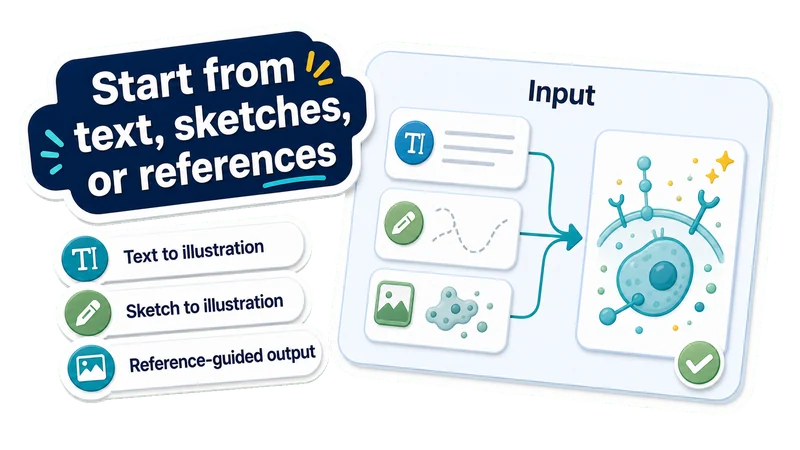
Comece com texto, esboços ou referências
Do texto à ilustração
Descreva um mecanismo, uma via, um processo, um dispositivo, uma célula, um material ou um conceito.
Do esboço à ilustração
Transforme esboços preliminares em ilustrações científicas mais claras e refinadas.
Resultado guiado por referência
Use uma imagem de referência enquanto sua descrição define o conteúdo científico.
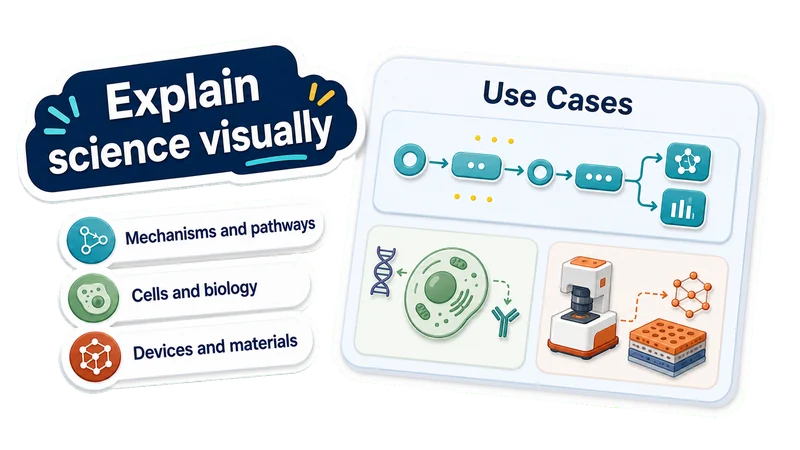
Explique ciência visualmente
Mecanismos e vias
Mostre interações, etapas, vias e relações de causa e efeito.
Células e biologia
Crie ilustrações celulares, médicas, moleculares e biológicas.
Dispositivos e materiais
Represente montagens de laboratório, dispositivos, microfluídica, materiais e sensores.
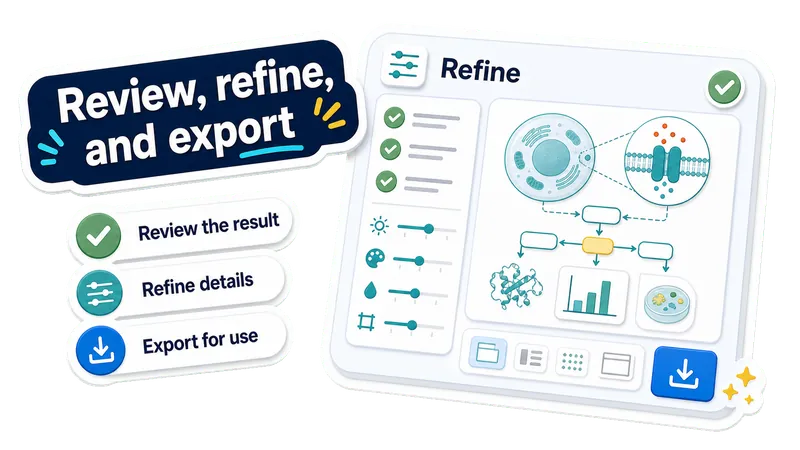
Revise, aprimore e exporte
Revise o resultado
Confira rótulos, layout, clareza visual e afirmações científicas.
Aprimore os detalhes
Altere rótulos, estilo, composição, cores ou destaque visual.
Exporte para usar
Baixe a ilustração científica para artigos, pôsteres, slides ou materiais didáticos.
Criado com EZFigure
Explore figuras prontas para publicação para pesquisadores, artigos e apresentações, criadas com EZFigure.
Crie uma ilustração científica em 3 etapas
Escolha um modo de entrada, descreva o que a figura deve explicar e depois revise e aprimore a ilustração gerada.
Escolha a entrada
Comece com texto, um esboço ou uma imagem de referência, conforme a ilustração de que você precisa.
Descreva o conteúdo científico
Adicione o conceito, mecanismo, processo, rótulos, orientações de estilo e tudo o que a imagem deve evitar.
Revise e aprimore
Examine a ilustração científica gerada e, antes de baixá-la, aprimore rótulos, layout, estilo, cores ou destaque científico.
Perguntas frequentes sobre ilustrações científicas com IA
Respostas às principais dúvidas sobre como criar ilustrações científicas a partir de texto, esboços e imagens de referência.
Crie uma ilustração científica pronta para usar
Comece com texto, um esboço ou uma imagem de referência. A EZFigure transforma o conteúdo em uma ilustração científica ou acadêmica clara para artigos, pôsteres, slides ou materiais didáticos.