
Sample works
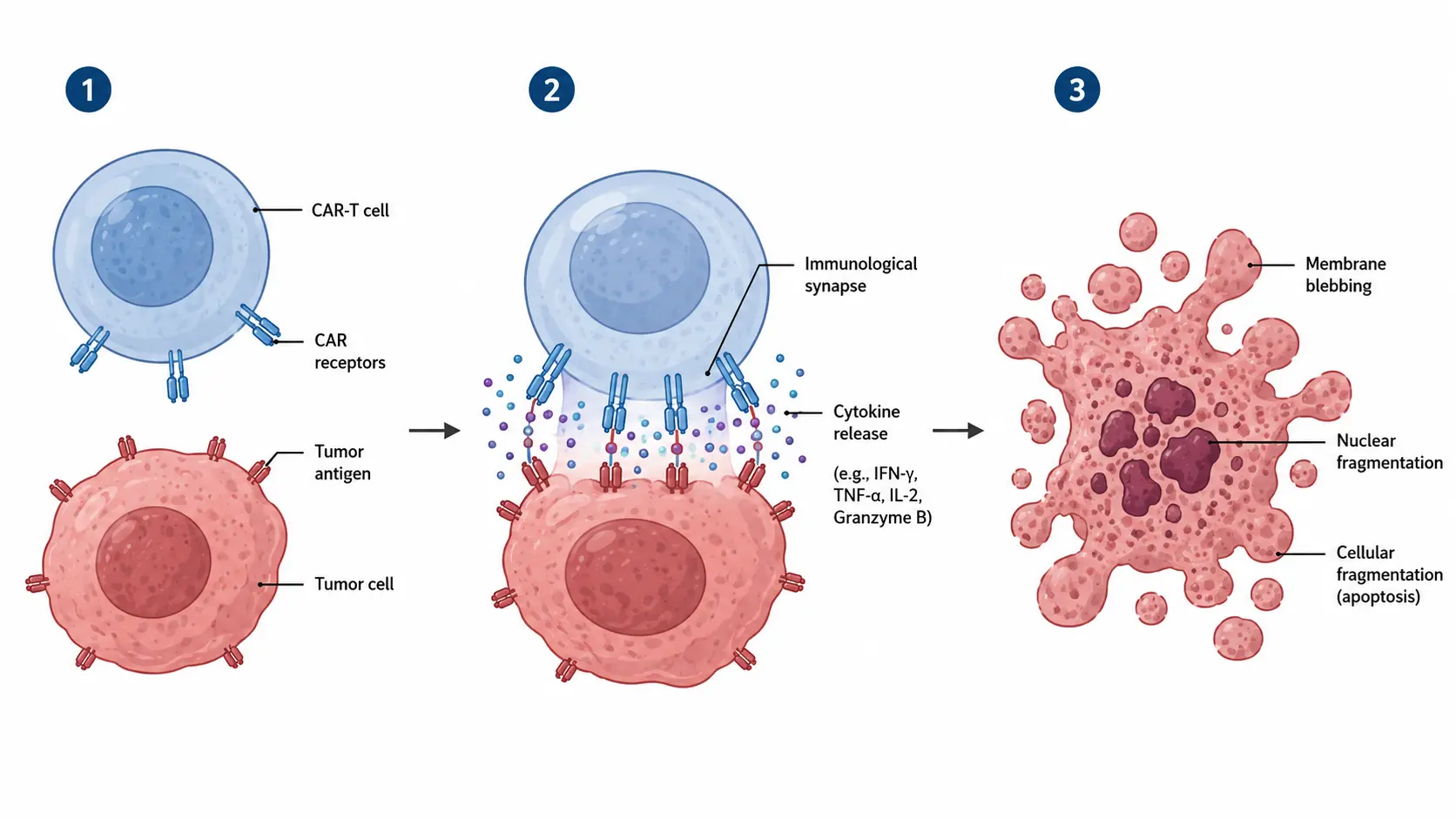
Create publication-ready scientific illustrations
Start with text, sketches, or reference images, then refine the result into a clear scientific or academic visual.
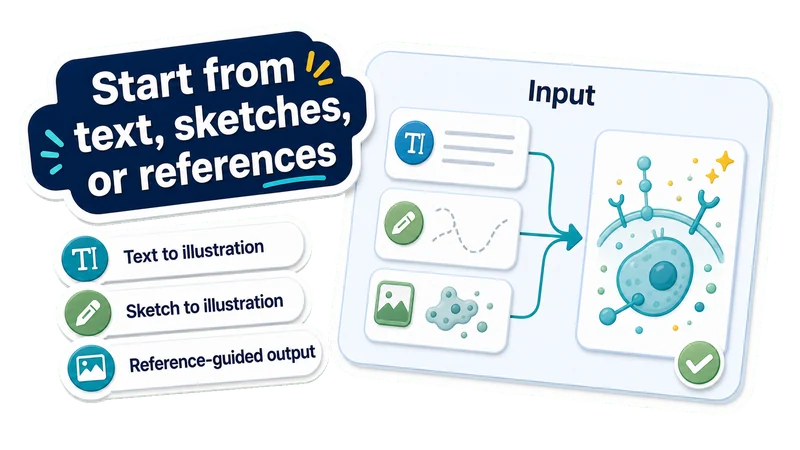
Start from text, sketches, or references
Text to illustration
Describe a mechanism, pathway, process, device, cell, material, or concept.
Sketch to illustration
Turn rough sketches into cleaner scientific illustrations.
Reference-guided output
Use a reference image while your prompt controls the scientific content.
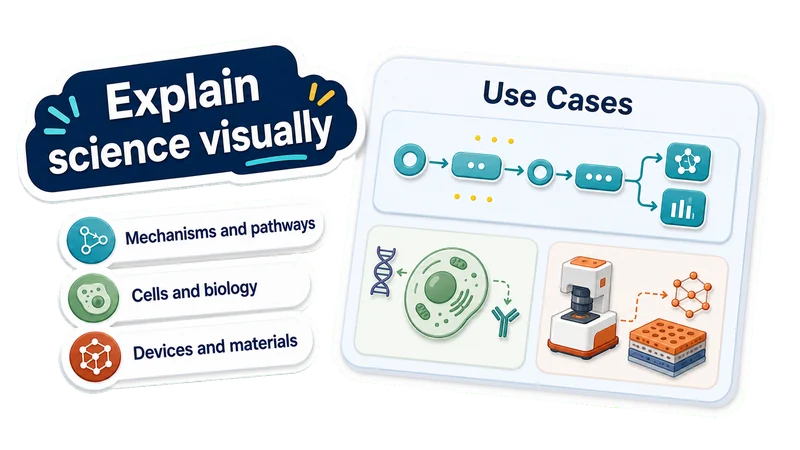
Explain science visually
Mechanisms and pathways
Show interactions, steps, pathways, and cause-effect relationships.
Cells and biology
Create cell, medical, molecular, and biological illustrations.
Devices and materials
Visualize lab setups, devices, microfluidics, materials, and sensors.
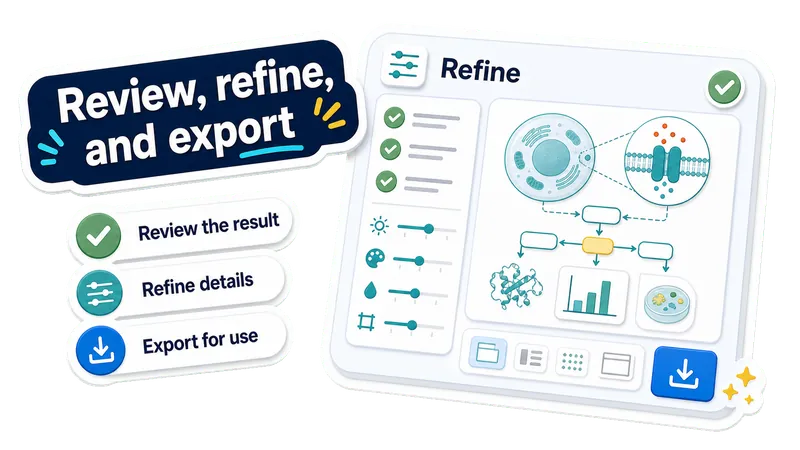
Review, refine, and export
Review the result
Check labels, layout, visual clarity, and scientific claims.
Refine details
Change labels, style, composition, colors, or emphasis.
Export for use
Download the scientific illustration for papers, posters, slides, or teaching.
Made with EZFigure
Explore publication-ready figures for researchers, papers, and presentations, created with EZFigure.
Create a scientific illustration in 3 steps
Choose an input mode, describe what the figure should explain, then review and refine the generated illustration.
Choose your input
Start from text, a sketch, or a reference image depending on the illustration you need.
Describe the science
Add the concept, mechanism, process, labels, style notes, and anything the image should avoid.
Review and refine
Inspect the generated scientific illustration, then refine labels, layout, style, colors, or scientific emphasis before downloading it.
AI Scientific Illustration FAQ
Answers to common questions about creating scientific illustrations from text, sketches, and reference images.
Create a scientific illustration you can use
Start with text, a sketch, or a reference image. EZFigure helps turn it into a clear scientific or academic illustration for papers, posters, slides, or teaching.