
Sample works
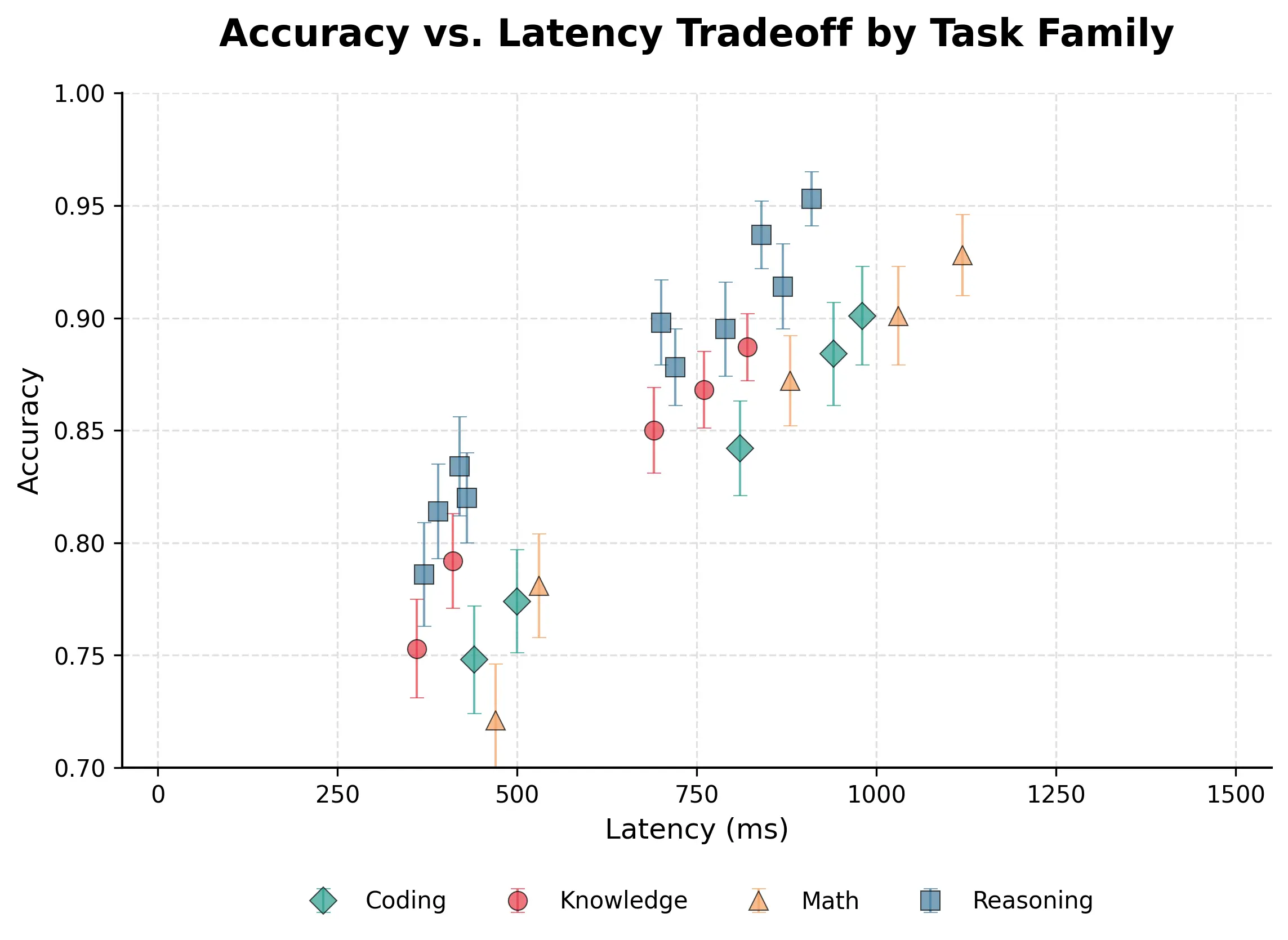
Turn experimental data into clear statistical plots
Upload CSV or JSON data, describe the result you want to show, and create a research-ready chart you can review and refine.
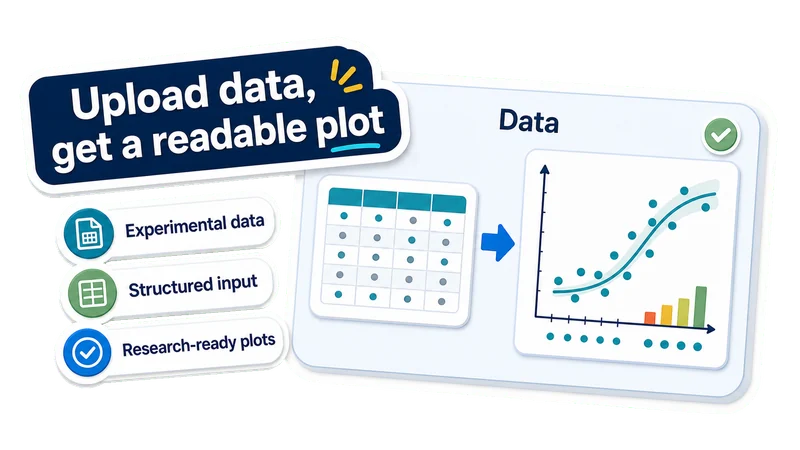
Upload data, get a readable plot
Experimental data
Use variables, groups, measurements, metrics, or time points.
Structured input
Upload supported data files with clear columns, records, or grouped observations.
Research-ready plots
Create data-backed academic plots for papers, posters, slides, and lab reports.
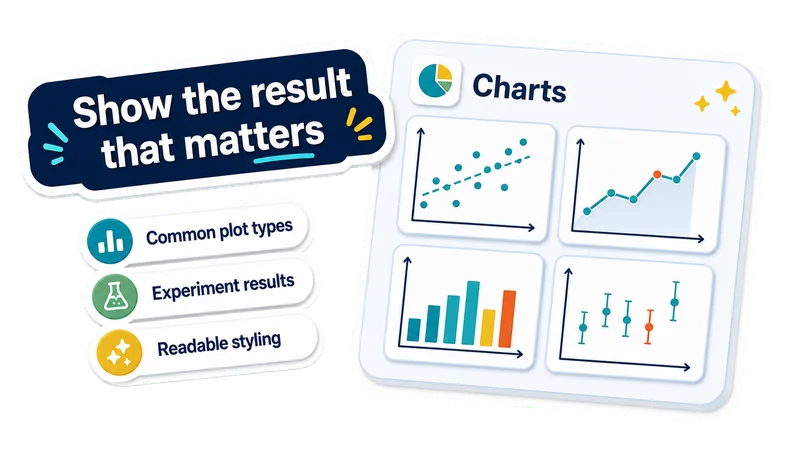
Show the result that matters
Common plot types
Create scatter, line, bar, correlation, grouped, and error-bar plots from structured data.
Experiment results
Visualize dose response, time courses, group differences, and model metrics.
Readable styling
Get clearer axes, labels, legends, spacing, hierarchy, and colorblind-friendly styling.
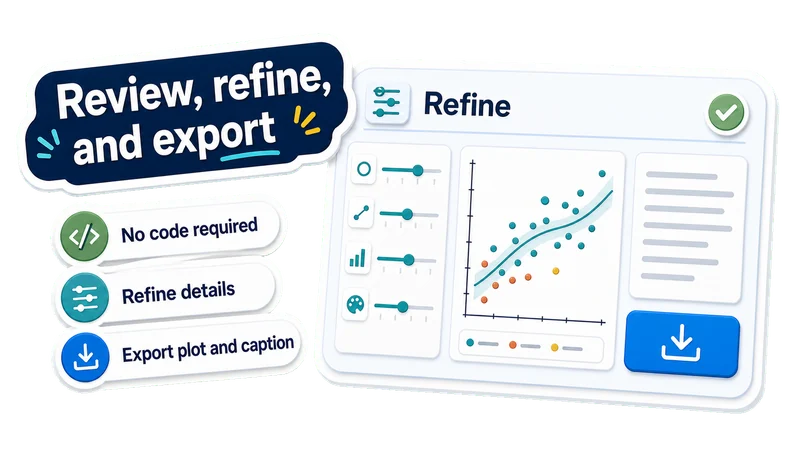
Review, refine, and export
Code-rendered plots
EZFigure writes Python plotting code, runs it in a container, and repairs execution errors when needed.
Refine details
Change chart type, labels, colors, layout, legend, statistics, or axes.
Export plot and caption
Download the statistical plot, caption, and available source code for papers, posters, or slides.
Made with EZFigure
Explore publication-ready figures for researchers, papers, and presentations, created with EZFigure.
Create a statistical plot in 3 steps
Upload experimental data, describe what the plot should show, then review and refine the generated chart before export.
Upload experiment data
Choose a supported data file with variables, groups, measurements, metrics, or time points.
Describe the plot intent
Tell EZFigure what the chart should compare, reveal, or emphasize. The workflow plans the plot, styles it, writes Python code, and renders the figure.
Review and export the plot
Check labels, axes, legend, plotted values, code output, and caption, then refine the chart before downloading it.
AI Statistical Plot FAQ
Answers to common questions about turning experiment data into statistical plots, graphs, and charts.
Create a statistical plot from your data
Upload experimental data and create a clear statistical plot for academic work with review, refinement, captioning, and export for papers, posters, or slides.